01
Upload authorized footage
Add the video you own or have permission to edit.
 Open Wipe AI watermark remover
Remove a TikTok watermark, moving logo, or username from an authorized saved video online. AI inpainting cleans every frame; free starter credits included.
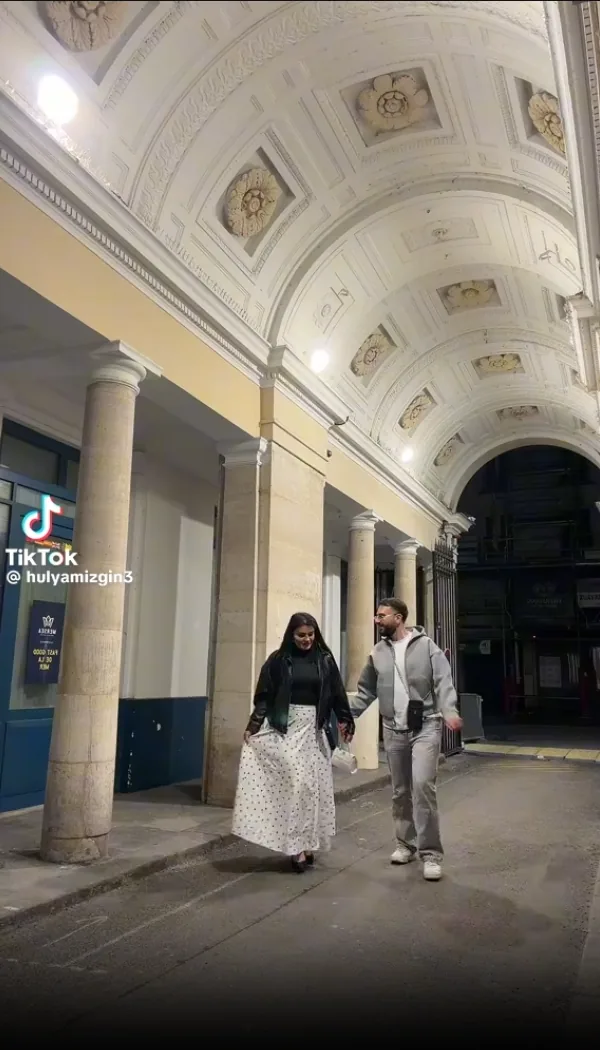
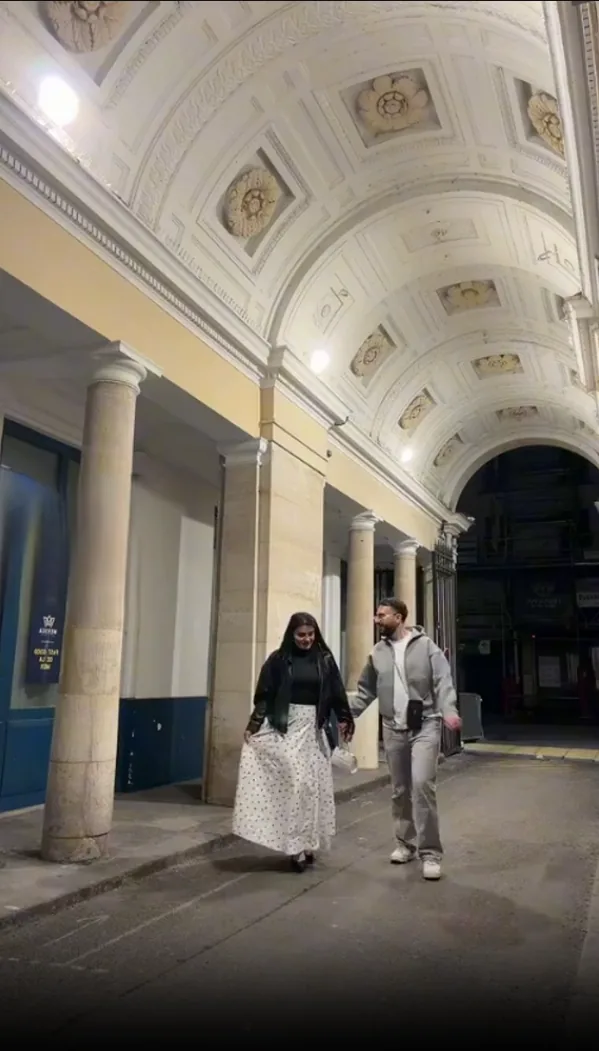
Open the saved video outside the social app. Player controls and interface labels do not need inpainting; use Wipe AI only for a small logo, username, caption, or text overlay that remains visible in the file.
The call to action opens the new Wipe AI dashboard directly with Watermark Remover selected.
Add the video you own or have permission to edit.
Place a tight box over the visible mark and set its active seconds.
Review edges, motion and scene changes before downloading.
Clean your TikTok video in just 3 simple steps.
Wipe AI handles every type of TikTok overlay: watermarks, text, and more.
Every TikTok video downloaded through the official app or via screen recording carries a moving watermark: a semi transparent @username overlay that drifts across the video, accompanied by the TikTok logo bug. TikTok stamps these onto videos at export time as a brand protection measure: it makes it harder to repost TikTok content on Instagram Reels, YouTube Shorts, or Twitter without giving credit back to the original creator and the TikTok platform.
Clean your TikTok video in just 3 simple steps.
Drag & drop or select the TikTok video you downloaded. Supports MP4, MOV, WebM and more.
Draw a box around the TikTok username or logo overlay on the video canvas.
AI removes the watermark frame by frame. Download your clean TikTok video in seconds.
Wipe AI handles every type of TikTok overlay: watermarks, text, and more.
Remove the semi transparent @username watermark that TikTok adds to every downloaded video.
Erase the TikTok logo bug and "Made with TikTok" branding from any corner of the video.
AI processes each frame individually, so even moving or pulsing watermarks are removed cleanly.
Every TikTok video downloaded through the official app or via screen recording carries a moving watermark: a semi transparent @username overlay that drifts across the video, accompanied by the TikTok logo bug. TikTok stamps these onto videos at export time as a brand protection measure: it makes it harder to repost TikTok content on Instagram Reels, YouTube Shorts, or Twitter without giving credit back to the original creator and the TikTok platform.
The challenge for content creators is that this watermark is not stored as a separate layer . It is rendered (burned in) directly into the video pixels, frame by frame. That means a simple "delete overlay" or cropping tool cannot remove it without sacrificing the surrounding video. Wipe AI's TikTok watermark remover uses AI video inpainting to reconstruct the pixels that would have been there if the watermark had never been added.
Not all TikTok watermarks behave the same way. Understanding which type your video has helps you remove it faster:
You may have heard of services like SnapTik, SSSTikTok, or TikMate that claim to download TikTok videos "without a watermark." These tools work by intercepting the original video file before TikTok's server adds the watermark they do not actually remove anything. There are three big limitations:
Wipe AI's AI inpainting works on any video file, regardless of source. If you have an MP4 with a TikTok watermark, custom captions, sticker overlays, or any combination of all three, the AI removes them in one pass.
Both tools are used to get watermark free TikTok videos, but they work in completely different ways and suit different situations:
Bottom line: Use SnapTik if you need to download a fresh public TikTok video and don't care about removing other overlays. Use Wipe AI if you already have the video file, it has a moved or animated watermark, or you also want to clean up captions, stickers, or custom text.
The technical process is straightforward but powerful. Once you mark the watermark area, the AI:
For TikTok videos specifically, the watermark often sits over moving subjects (dancing, walking, scrolling text), which makes naive blur and cover approaches obviously bad. AI inpainting is the only method that works reliably on TikTok content.
Simple backgrounds are easier. Faces, hands, reflections, detailed textures and fast camera movement should be tested on a short clip first.
Upload your TikTok video to Wipe AI, draw a box around the watermark or username overlay, then click Process Selected Area. The AI removes it and reconstructs the background in seconds.
Yes. Wipe AI processes every frame individually using AI video inpainting, so even animated or moving TikTok watermarks are removed cleanly across the entire video.
No. Wipe AI preserves the original resolution up to 1080p. The AI reconstructs the background behind the watermark so the result looks natural.
You should only remove watermarks from videos you own or have rights to. Always respect content creators' rights and platform terms of service.
Yes. Wipe AI runs entirely in your browser no app, no install, free signup required for the free tier.
Yes. Videos are processed securely, deleted within 24 hours after processing, and are never shared with third parties or used for AI training.
Open the new dashboard, add one or more selections and process authorized footage.
Open Wipe AI watermark remover