01
Upload authorized footage
Add the video you own or have permission to edit.
 Open Wipe AI watermark remover
We tested 8 AI video watermark removers in 2026. See which tools actually work for TikTok, CapCut, Kinemaster watermarks speed, quality, price, and free limits compared.
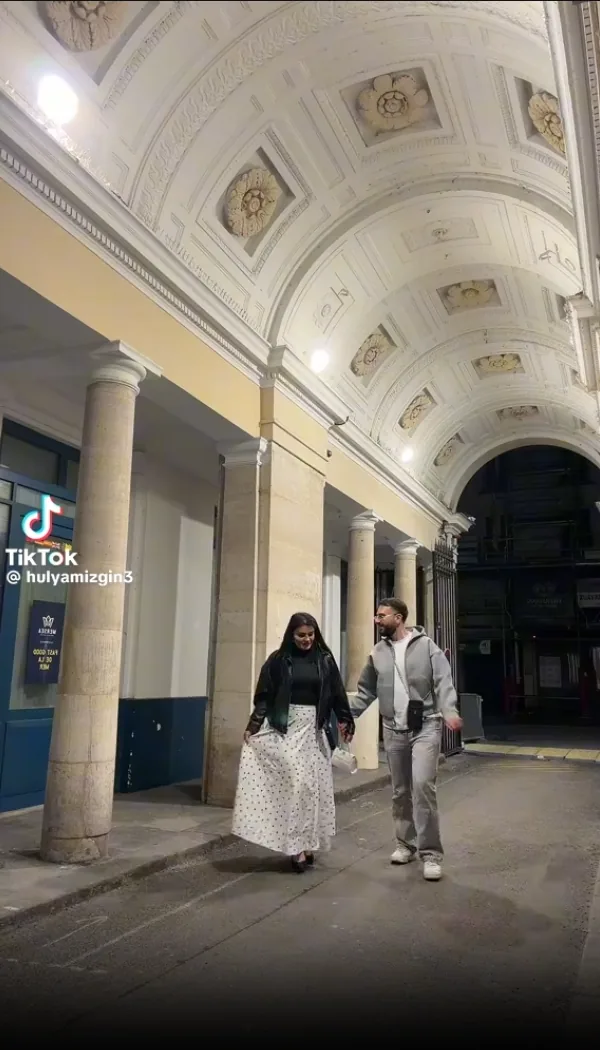
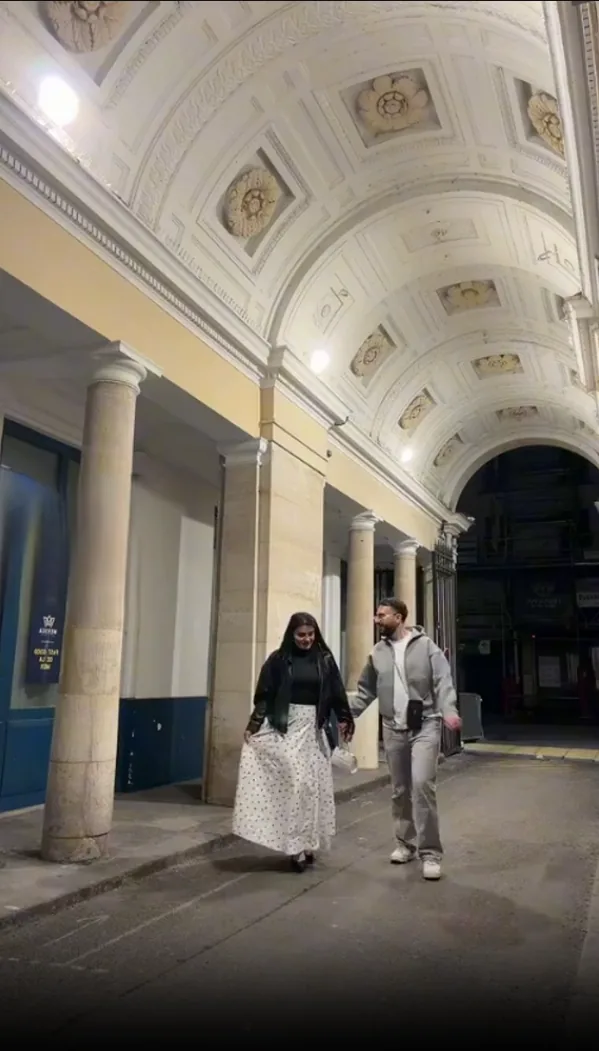
The call to action opens the new Wipe AI dashboard directly with Watermark Remover selected.
Add the video you own or have permission to edit.
Place a tight box over the visible mark and set its active seconds.
Review edges, motion and scene changes before downloading.
Note: SnapTik is a TikTok only downloader that strips the TikTok watermark during download it does not use AI inpainting and cannot remove custom logos or text.
Wipe AI is a browser-based AI inpainting workflow for visible elements already burned into authorized video. Sign up for free starter credits to test a short clip. Results depend on overlay size, motion, background complexity, and the selected area.
HitPaw offers a solid online watermark remover that uses AI to fill in backgrounds. Output quality is good on static watermarks but shows occasional artifacts on fast motion video with moving watermarks. The free tier is limited to a single video trial before requiring payment.
Note: SnapTik is a TikTok only downloader that strips the TikTok watermark during download it does not use AI inpainting and cannot remove custom logos or text.
Wipe AI is a browser-based AI inpainting workflow for visible elements already burned into authorized video. Sign up for free starter credits to test a short clip. Results depend on overlay size, motion, background complexity, and the selected area.
Current plan prices and credit amounts are maintained on the pricing page; processing time and usable minutes depend on resolution, clip length, and the selected workflow.
HitPaw offers a solid online watermark remover that uses AI to fill in backgrounds. Output quality is good on static watermarks but shows occasional artifacts on fast motion video with moving watermarks. The free tier is limited to a single video trial before requiring payment.
Media.io is a general purpose online media editor with a watermark removal module. Quality is comparable to HitPaw on static overlays, but the interface is cluttered with upsell prompts and the free limit (3 videos/month) requires email signup. Processing speed was the slowest in our tests at 3 to 5 minutes per clip.
Apowersoft's online tool handles simple image style watermarks well but struggled with the animated TikTok leaving visible ghosting artifacts. Pricing at $19.95/month is significantly higher than alternatives for equivalent output quality.
Traditional watermark removal blurred or cropped the video, which was obvious and destroyed the underlying content. Modern AI tools use a technique called video inpainting : a deep learning model trained on large video datasets learns to predict what pixels should look like in any given region based on surrounding frames and spatial context.
The quality depends on the model architecture, training data, and how complex the background is. Simple backgrounds (sky, single color walls) are reconstructed near perfectly. Complex backgrounds (faces, detailed textures) may show minor artifacts at the watermark edge.
Remove visible watermarks, text, and subtitles from authorized video. Free starter credits are available after signup, and the browser-based workflow works on supported modern devices.
Wipe AI is a browser-based AI video inpainting option for visible watermarks, text, and logos. It requires no software download and offers free starter credits after signup. Results depend on overlay size, motion, and background complexity.
AI video inpainting analyzes each frame, identifies the watermark region, and reconstructs the background pixels using a neural network trained on millions of video frames. The result is a seamless fill that matches surrounding texture, motion, and color unlike blur or crop techniques which are obvious.
Yes. Wipe AI tracks the watermark position across every frame, even when it moves, bounces, or fades in and out. The TikTok spinning logo is a common example Wipe AI's auto detect mode handles it cleanly across the full video.
Removing an app branding watermark from a video you recorded such as CapCut or Kinemaster's logo added by the editing app is legal in most jurisdictions. Removing watermarks from videos you do not own may violate copyright. Always ensure you have the rights to the video before processing.
Simple backgrounds are easier. Faces, hands, reflections, detailed textures and fast camera movement should be tested on a short clip first.
Wipe AI is a browser-based AI video inpainting option for visible watermarks, text, and logos. It requires no software download, offers free starter credits after signup, and supports common video formats. Results depend on overlay size, motion, and background complexity.
AI video inpainting analyzes each frame of the video, identifies the watermark region, and reconstructs the background pixels that would have been behind the watermark using a neural network trained on millions of video frames. The result is a seamless fill that matches the surrounding texture, motion, and color.
Yes. Modern AI watermark removers like Wipe AI track the watermark position across every frame, even when it moves, bounces, or fades in and out. The AI processes each frame independently and blends results for smooth motion.
Legality depends on the content. Removing a watermark from your own video that you recorded such as a CapCut or Kinemaster app branding watermark is legal in most jurisdictions. Removing watermarks from videos you do not own may violate copyright law. Always ensure you have the rights to the video before processing.
Wipe AI supports MP4, MOV, AVI, MKV, and WebM. Output is delivered as MP4 (H.264) for maximum compatibility. File size limit is 500 MB on the free tier and 2 GB on Starter/Creator plans.
Processing time depends on video length and resolution. A 30-second 1080p clip typically takes 1 2 minutes. A 3-minute video at 720p takes around 3 5 minutes. Wipe AI processes in the cloud so you can close the tab and come back when it's done.
Yes. Wipe AI is fully browser-based and works on any modern smartphone browser Safari on iPhone and Chrome on Android. No app download is required.
The Free plan gives 10 tokens on signup with a 500 MB file limit. Starter ($8.99/month) gives 300 tokens and a 2 GB file limit. Creator gives 1000 tokens, a 2 GB limit, and priority processing queue. Creator is $9.99 for the first month, then $19.99/month.
Open the new dashboard, add one or more selections and process authorized footage.
Open Wipe AI watermark remover